Snap your piece
One phone photo of a ring, necklace, earrings or bracelet. Good light helps, a studio doesn’t.
Upload one phone photo. Get studio, on-model and festive shots in about 20 seconds. No photographer. No studio. No retouching bill.
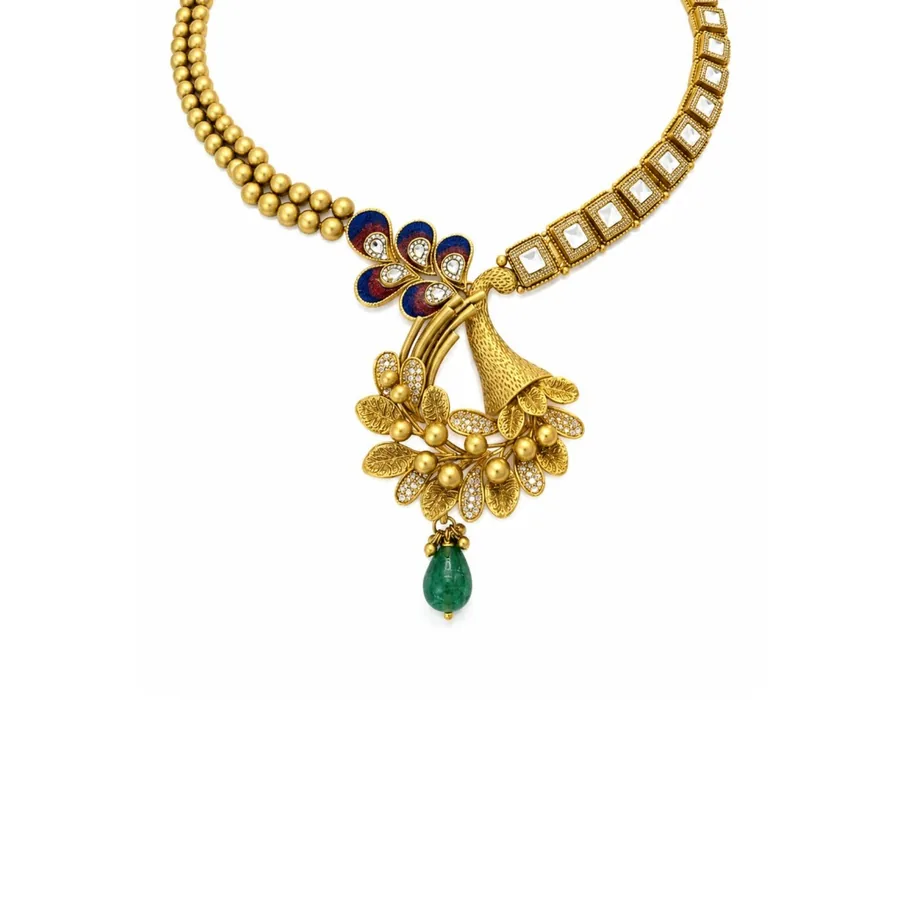 Your photo
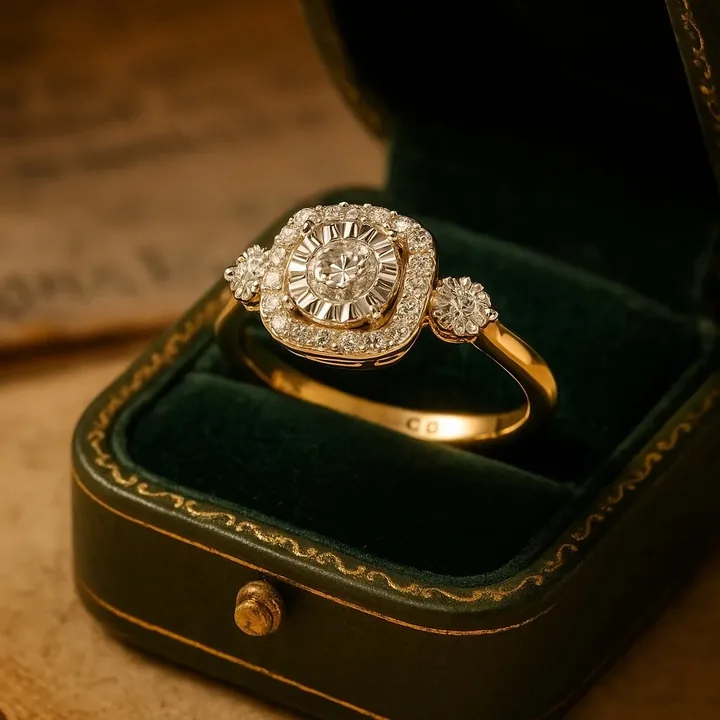 Velvet case
Jewellery Photoshoot is an iOS and Android app that turns a single phone photo of a ring, necklace, earrings, bracelet or bridal set into studio, on-model and campaign images in about 20 seconds. It keeps your design exactly as photographed, supports square, 4:5, 9:16 and 3:2 formats, and your first shoot is a free watermarked preview.
Drag to compare. The original is a plain catalogue photo; the result is what the app produced from it, with the jewellery itself left exactly as it was.
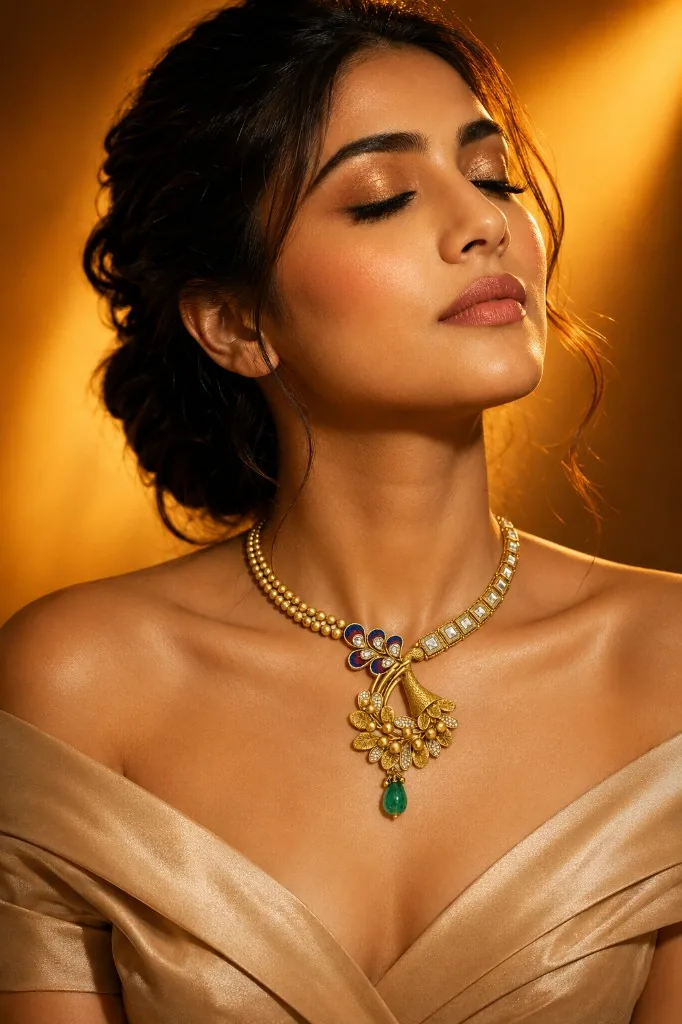 Your photoStudio result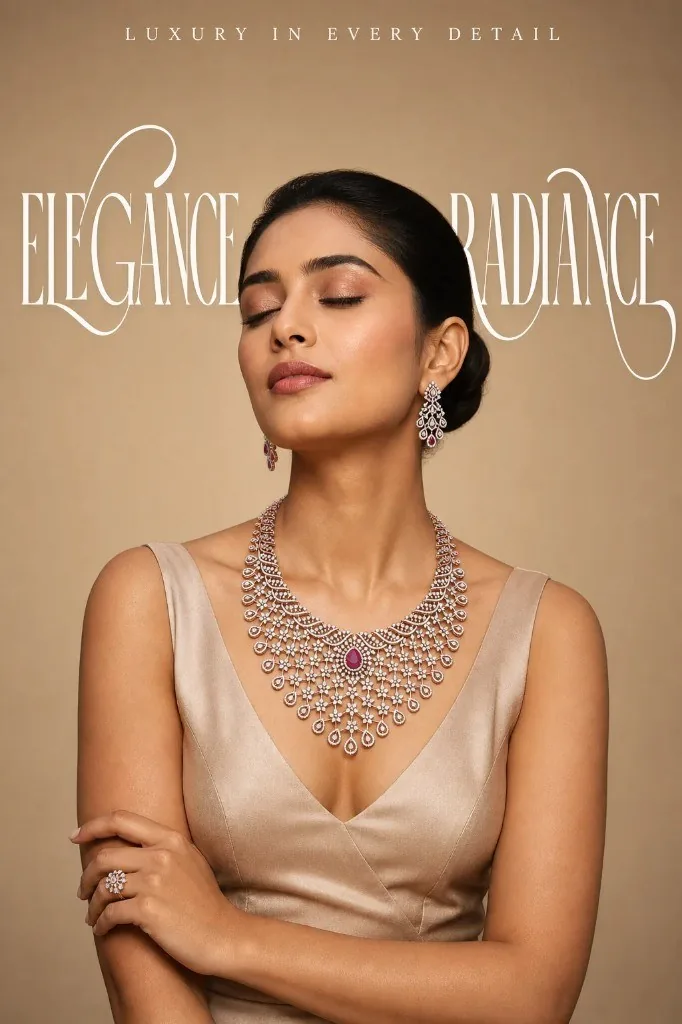
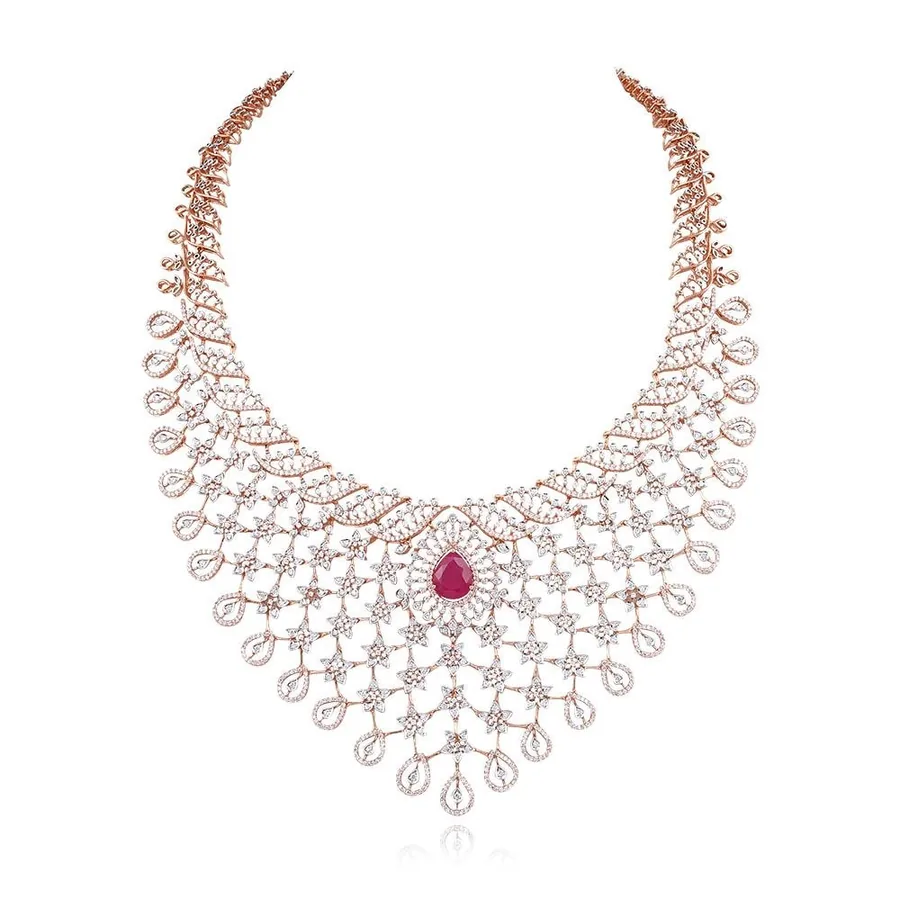 Your photoStudio result
 One phone photo of a ring, necklace, earrings or bracelet. Good light helps, a studio doesn’t.
Choose from a curated library of studio, on-model, festive and campaign styles, and the format you need.
In about 20 seconds you have publish-ready images. Your design is kept exactly as it is, never redesigned.
150+ curated looks, from clean white studio to botanical macro, candlelit portraits and festive sets. New styles are added regularly. Sample previews from the app.
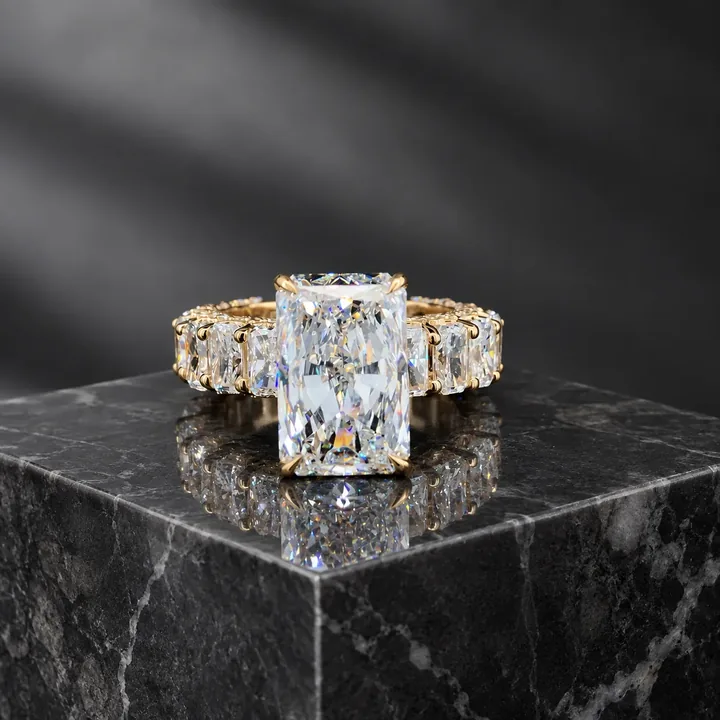
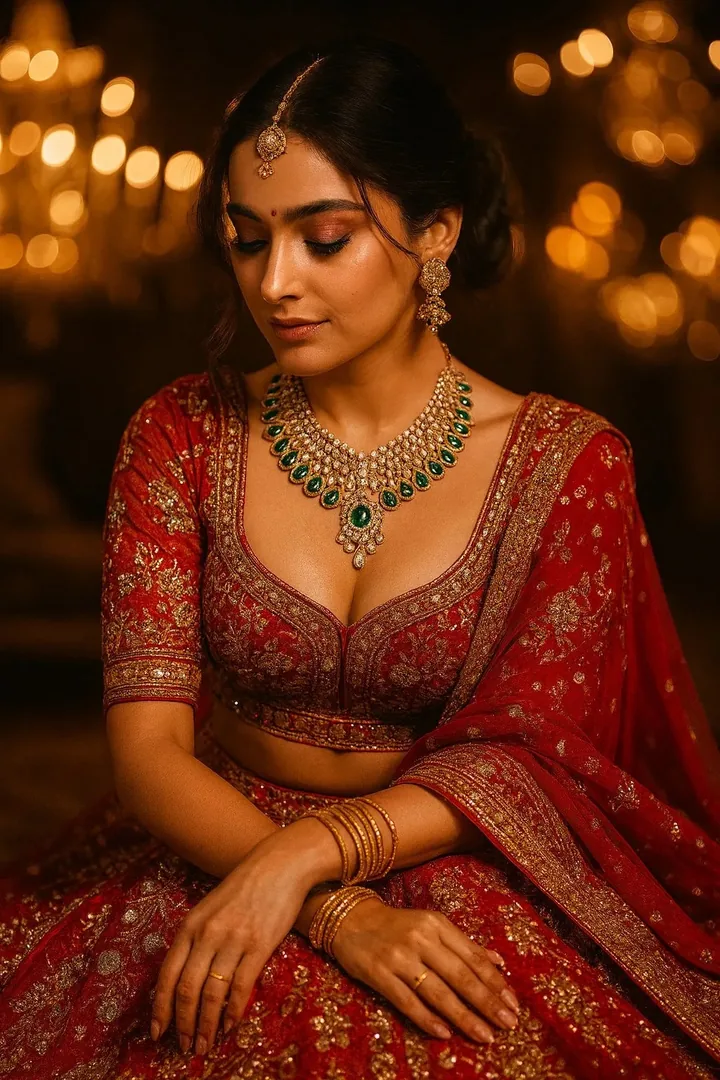
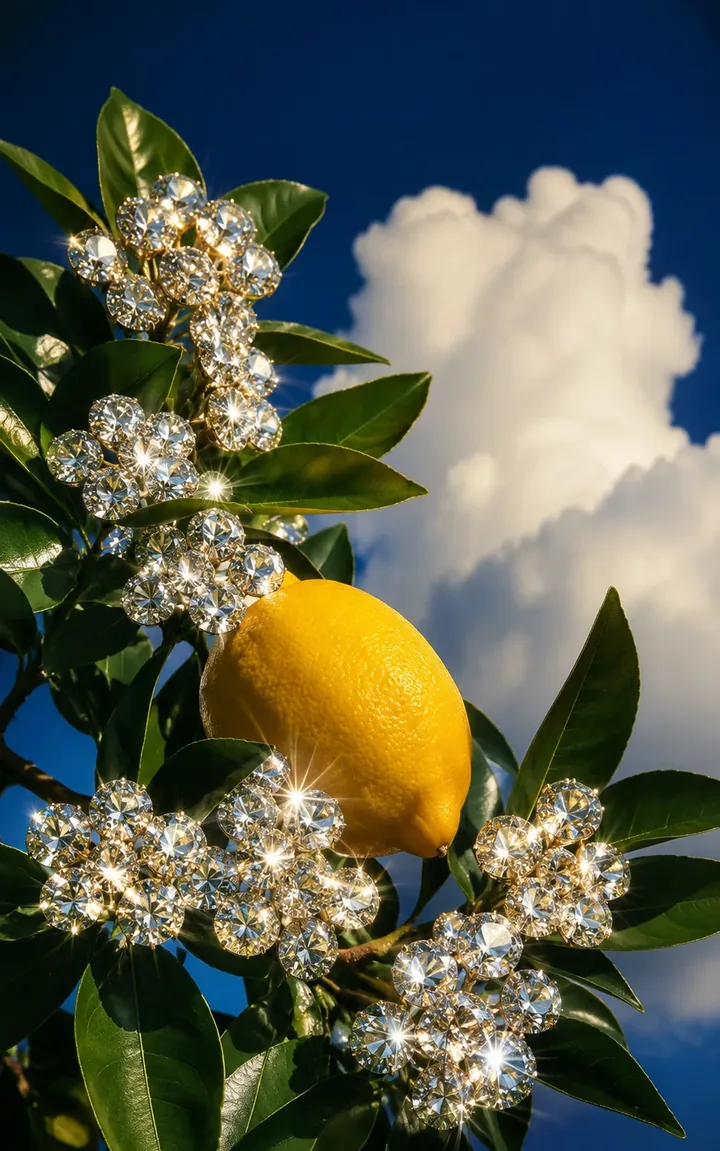
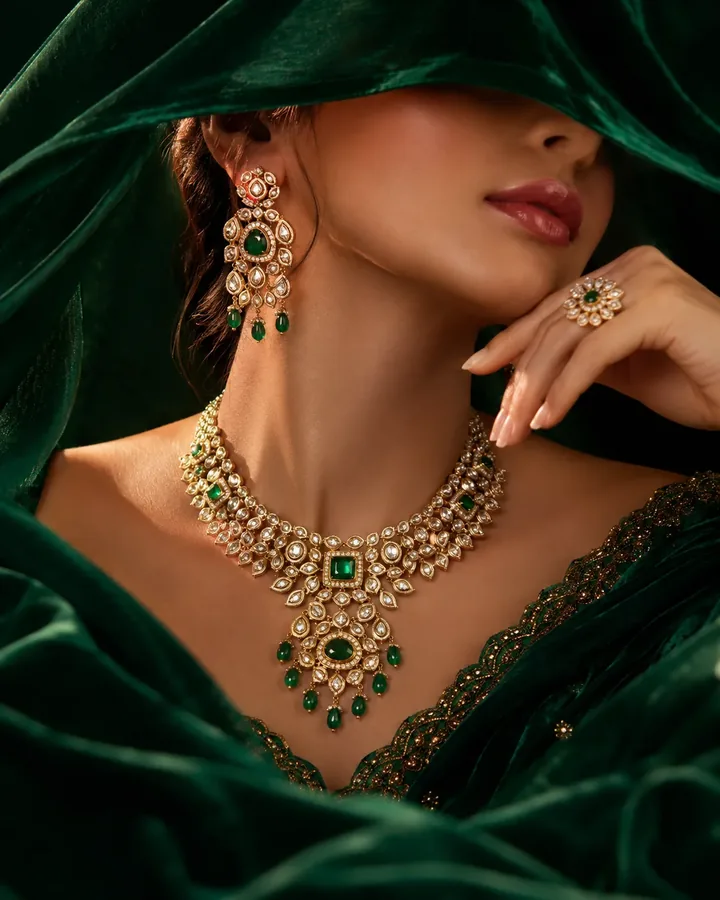
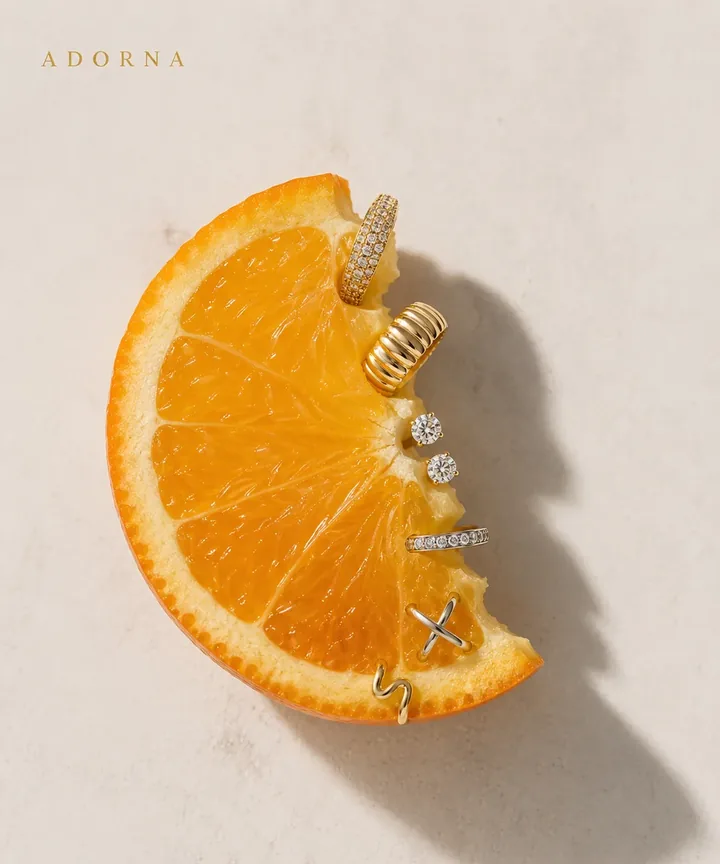
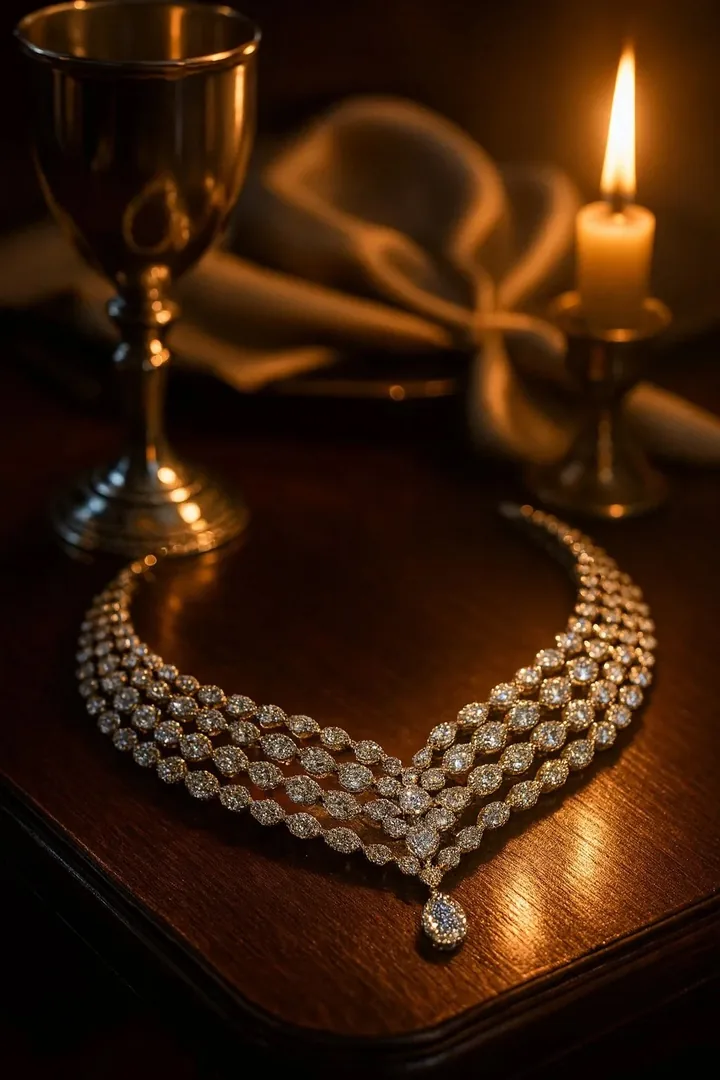
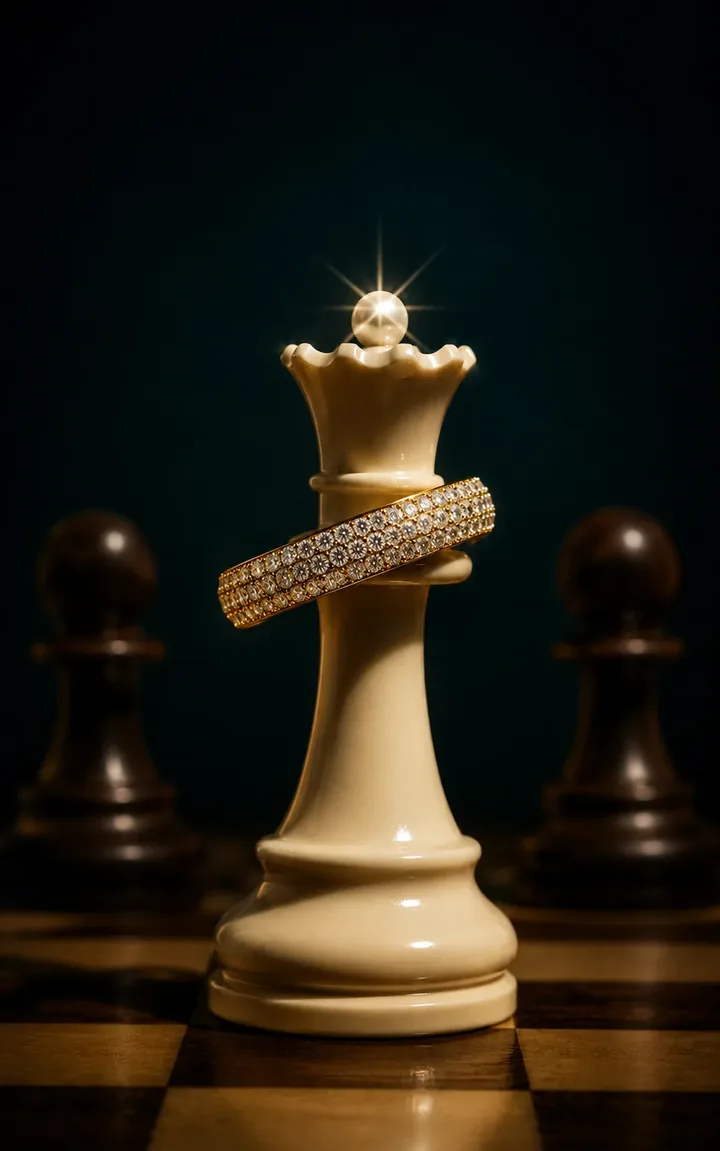
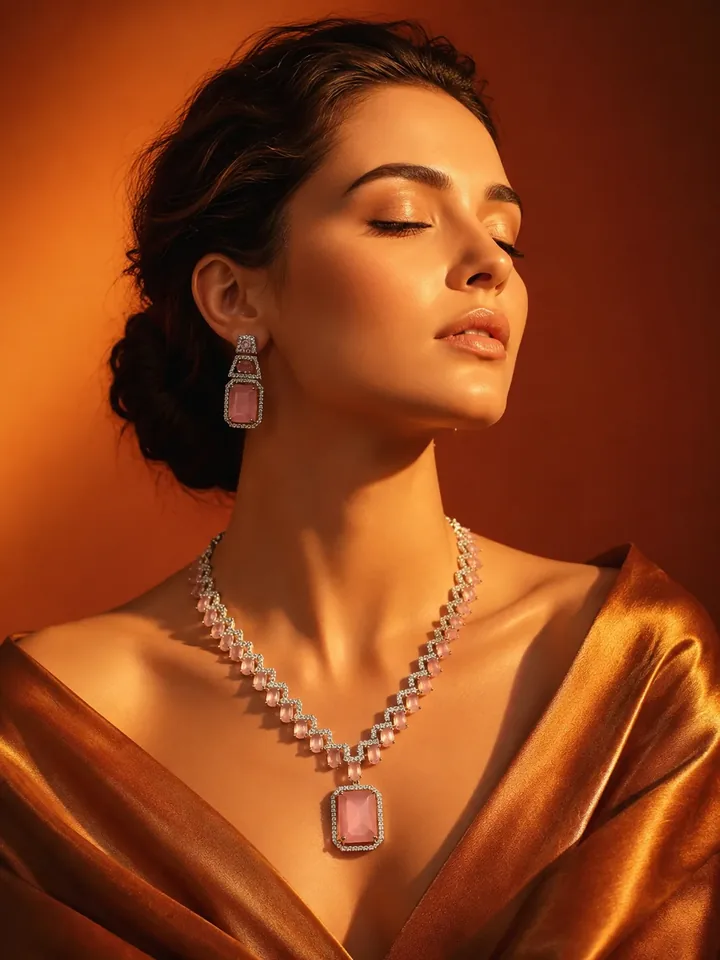
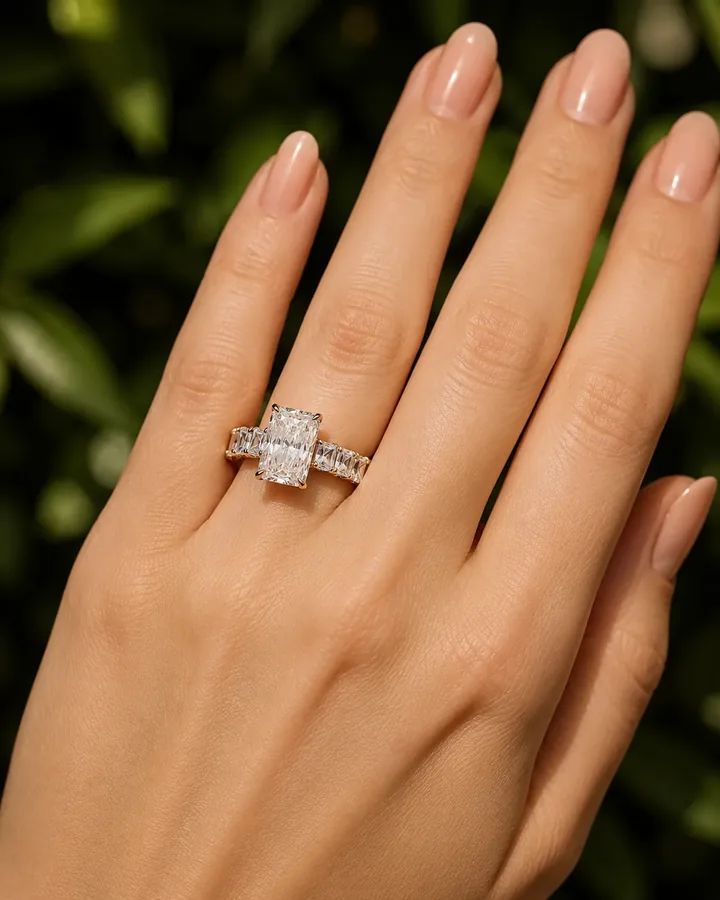
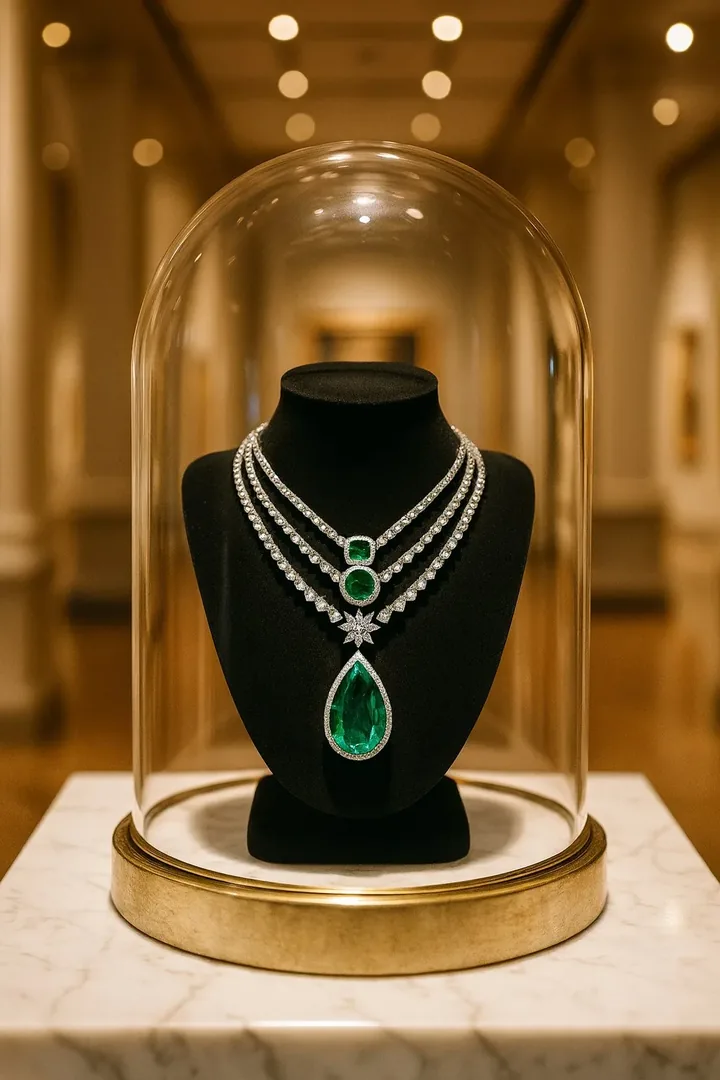
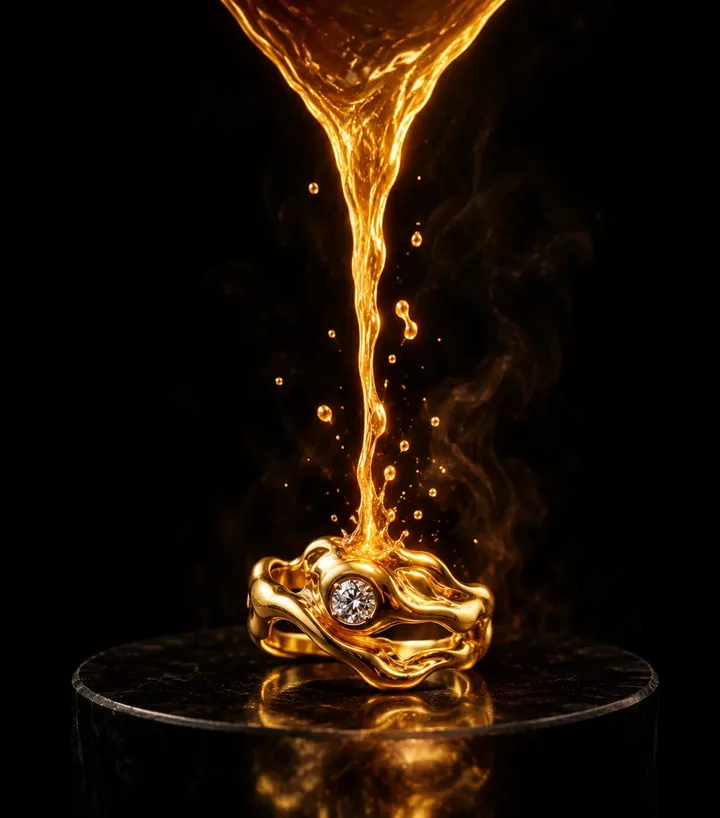
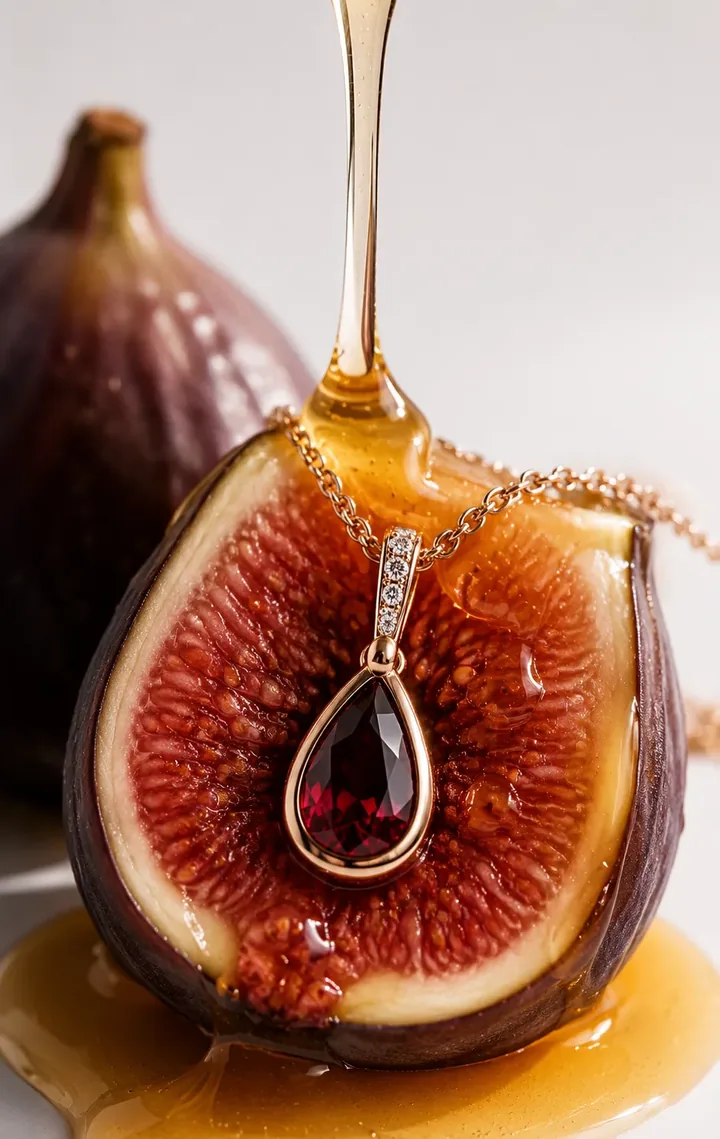
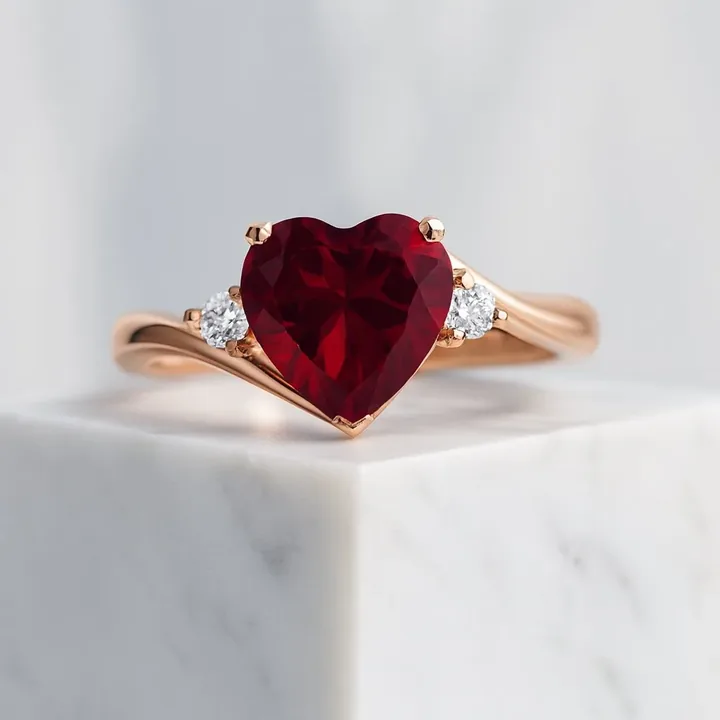
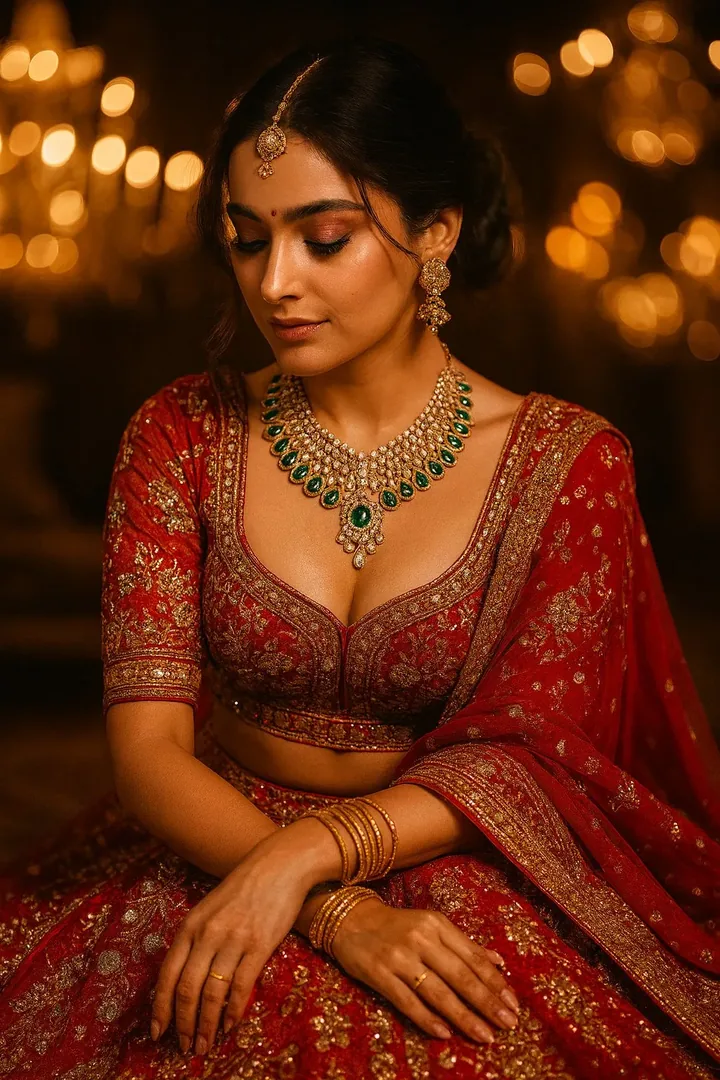
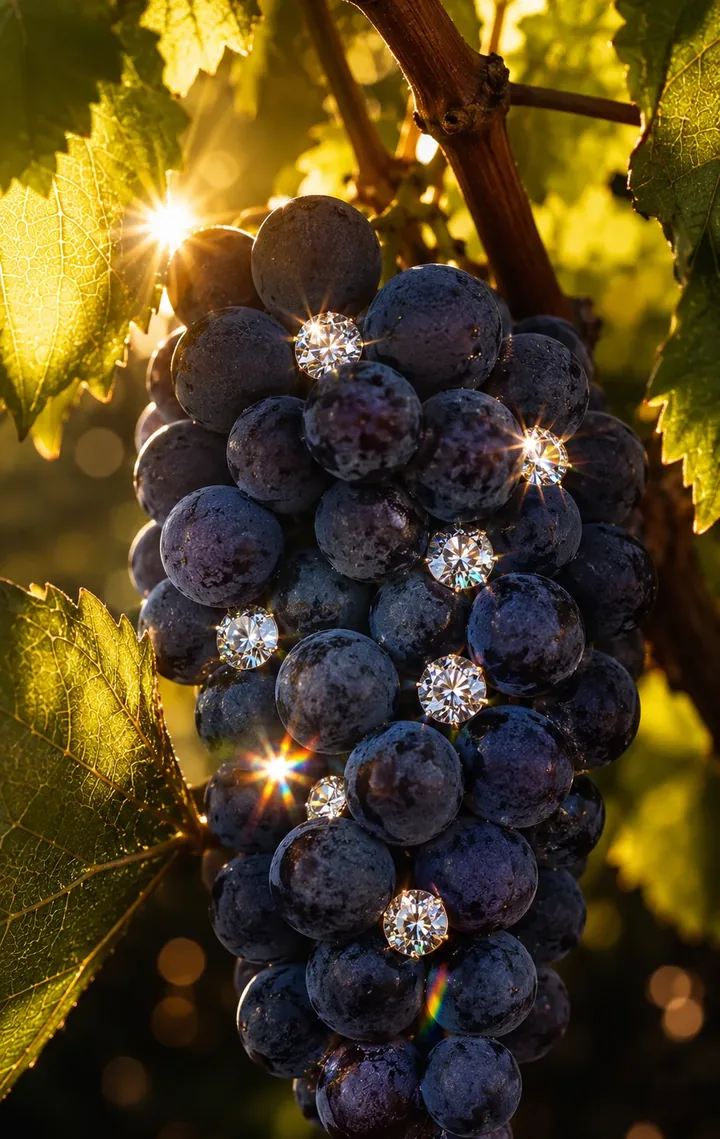
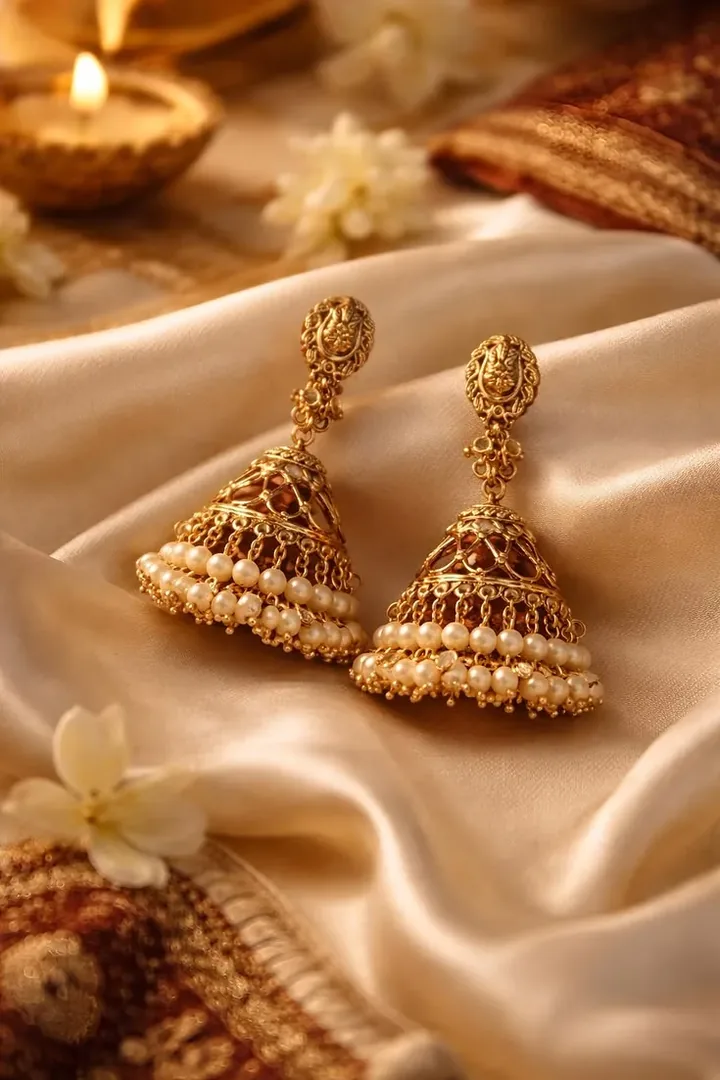
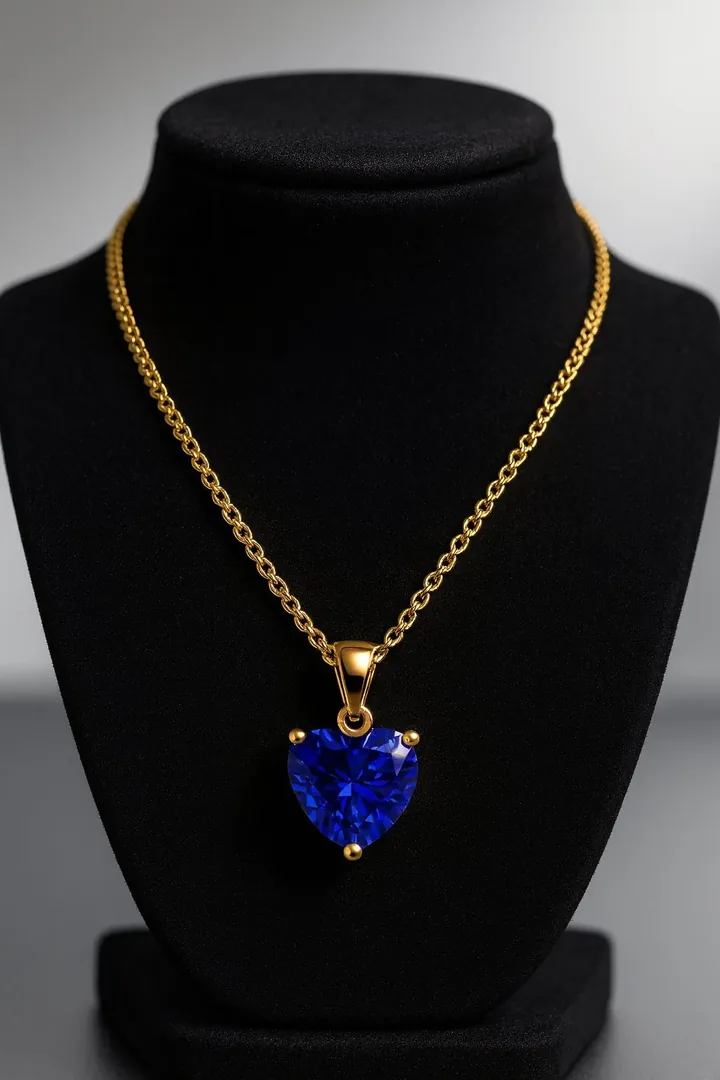
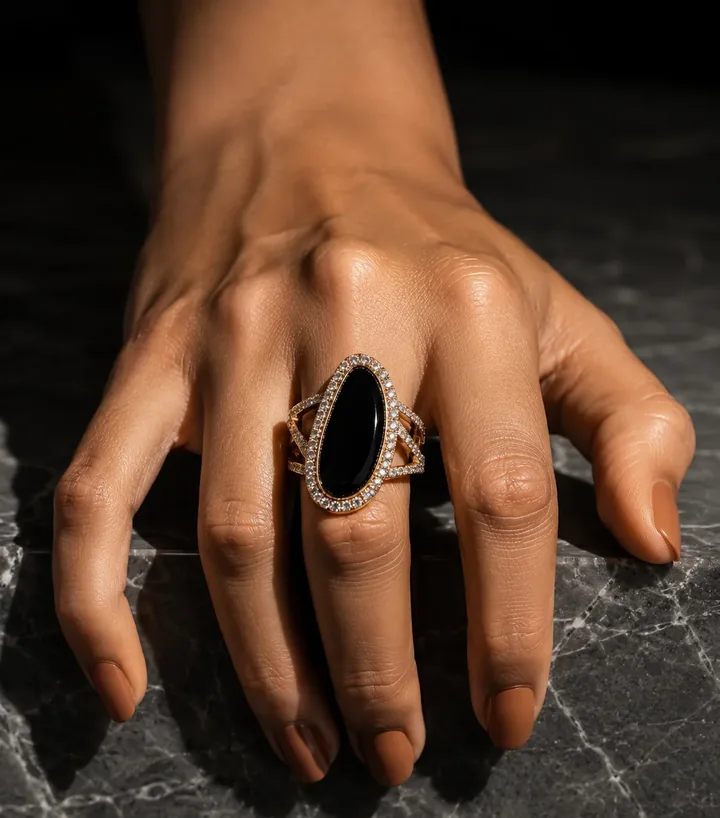
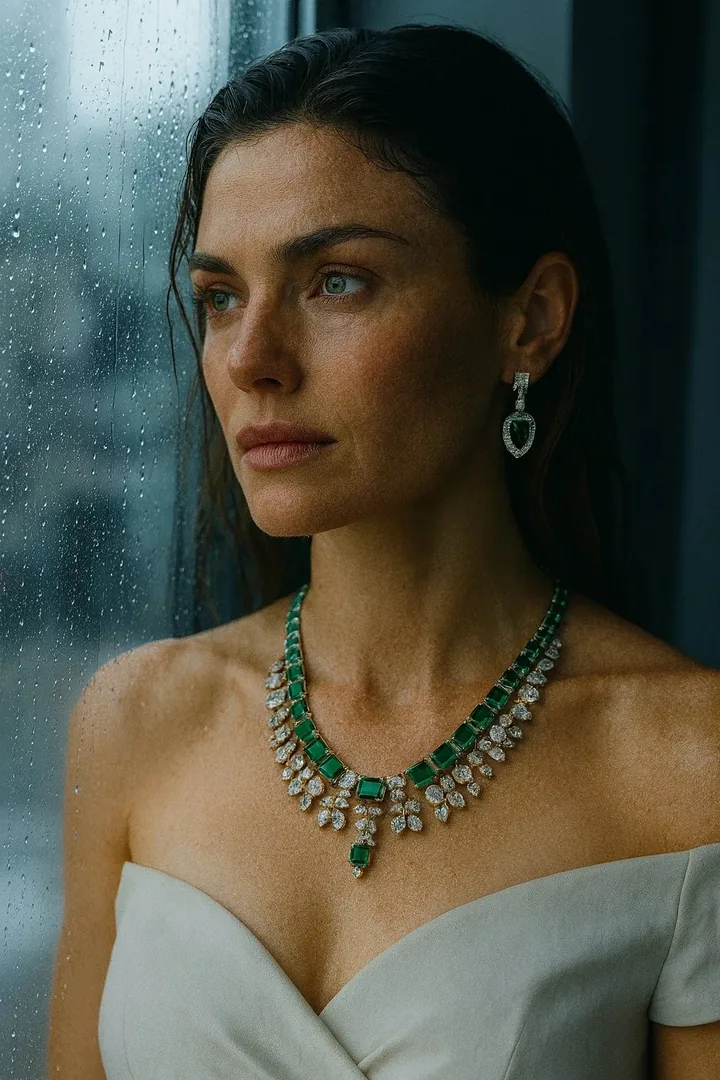
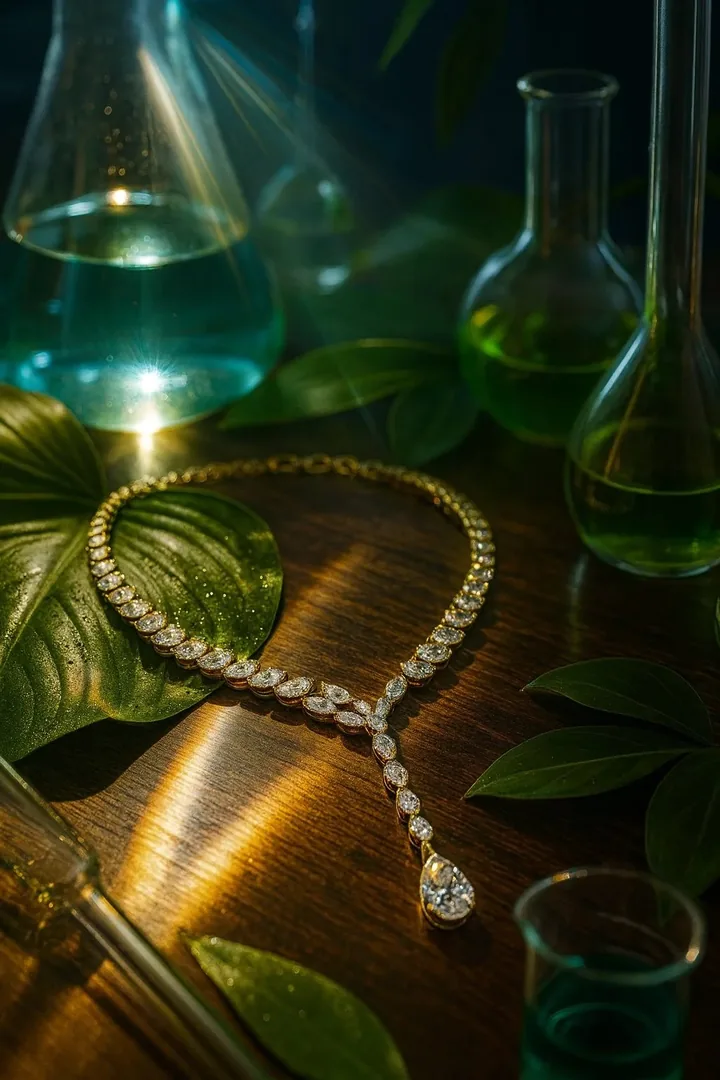
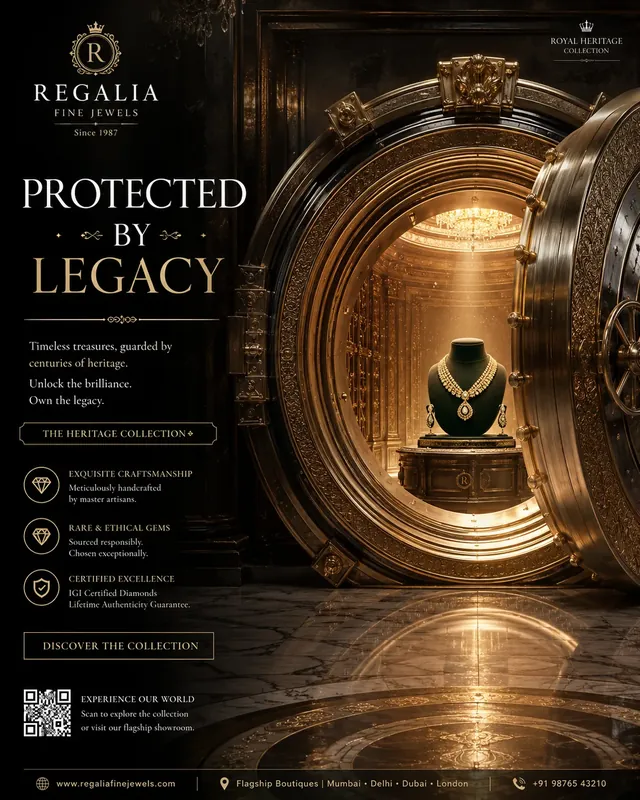
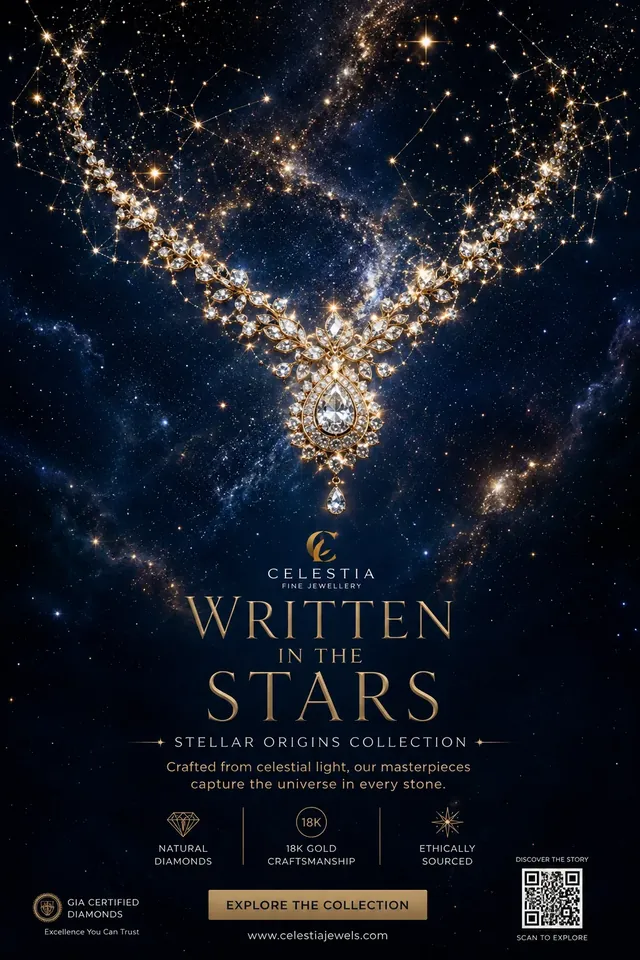
Poster-style templates with space for your brand name, headline and logo. Samples below use placeholder brand names.
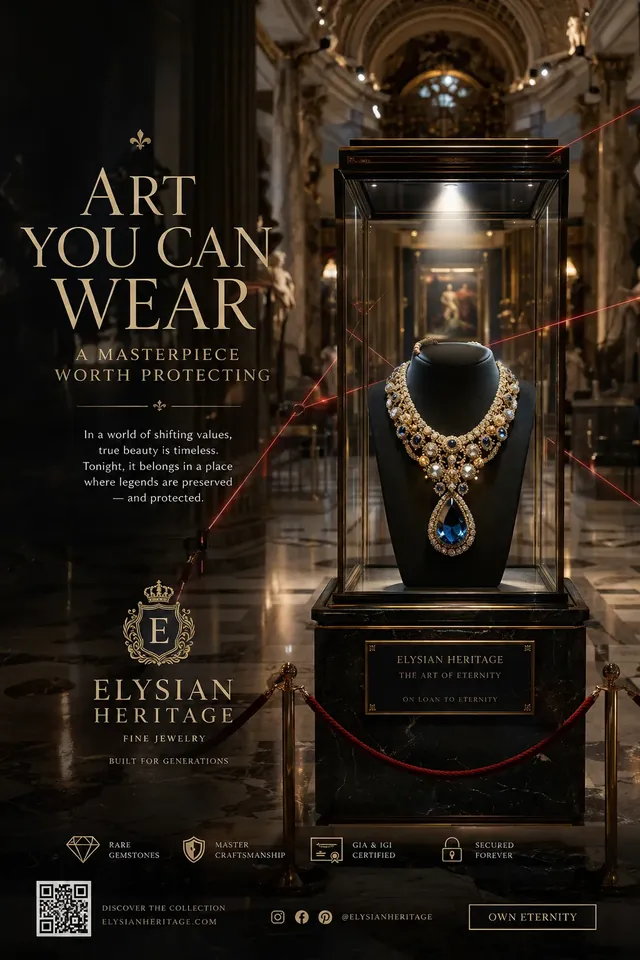
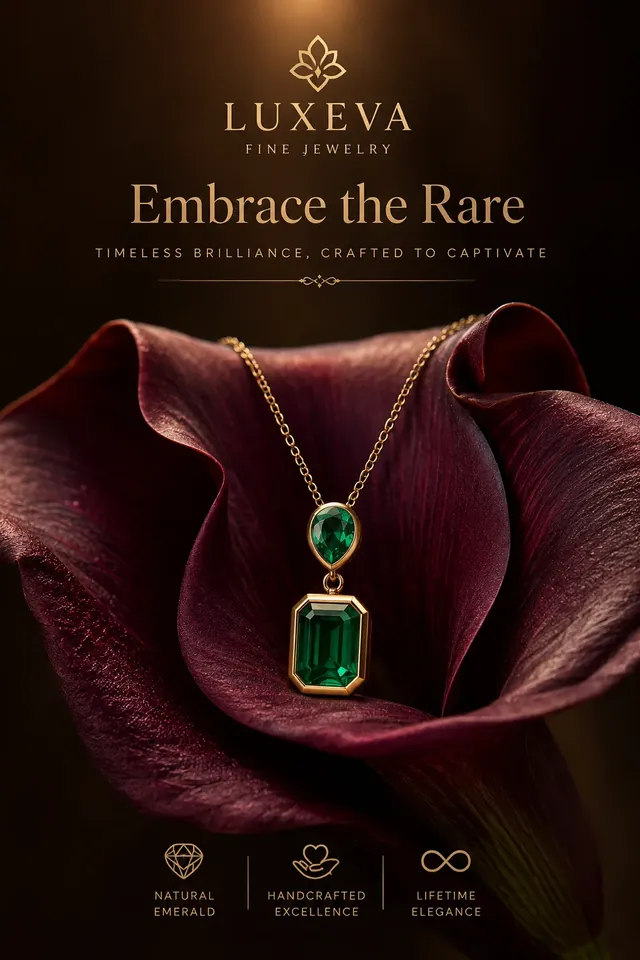
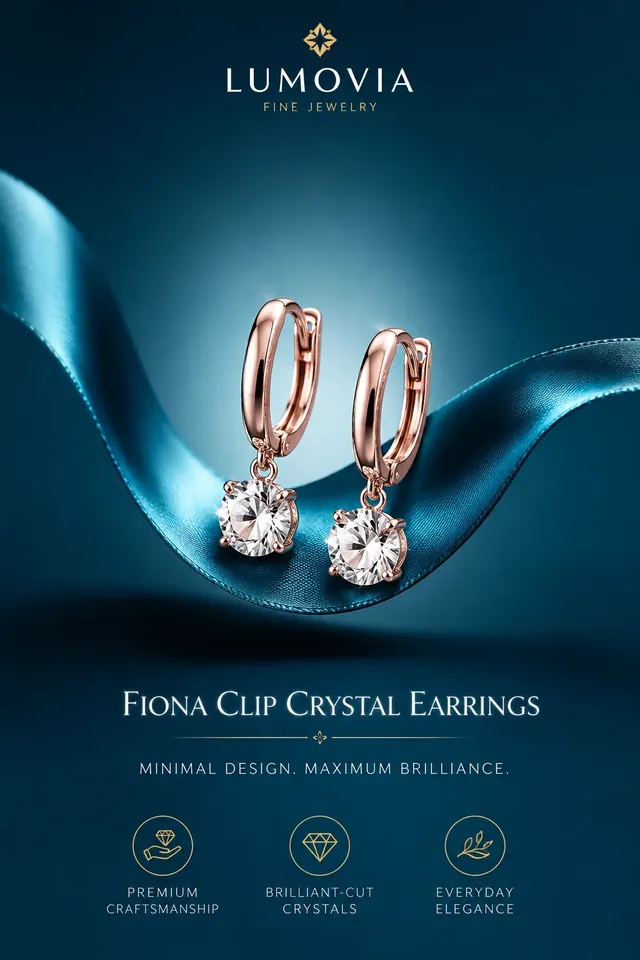
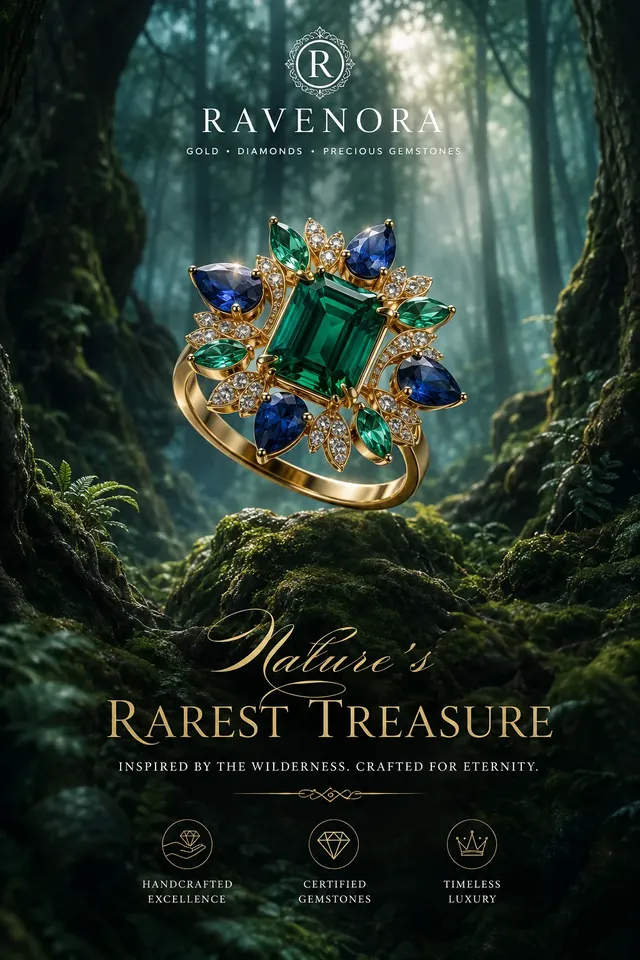
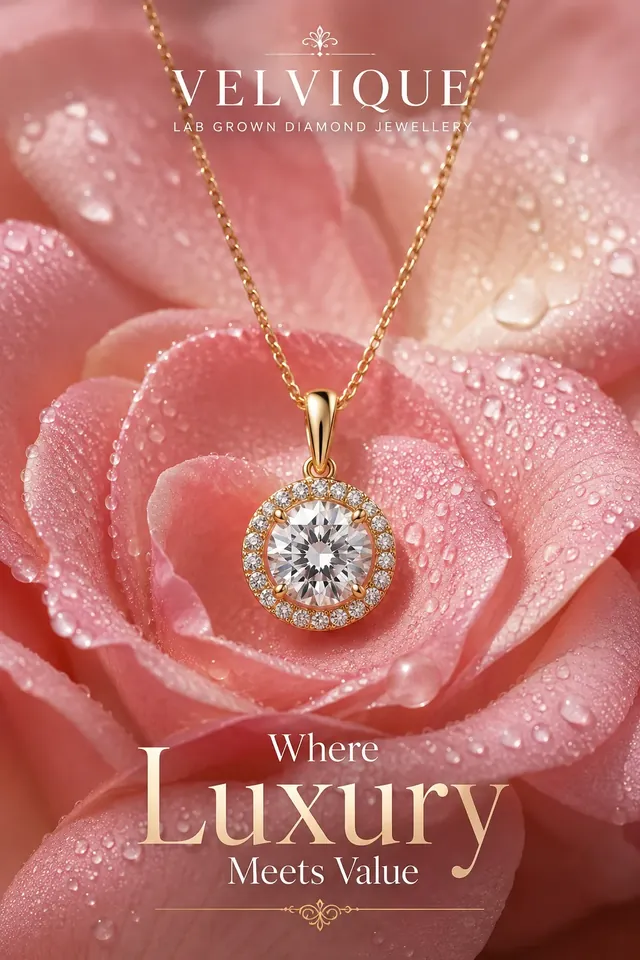
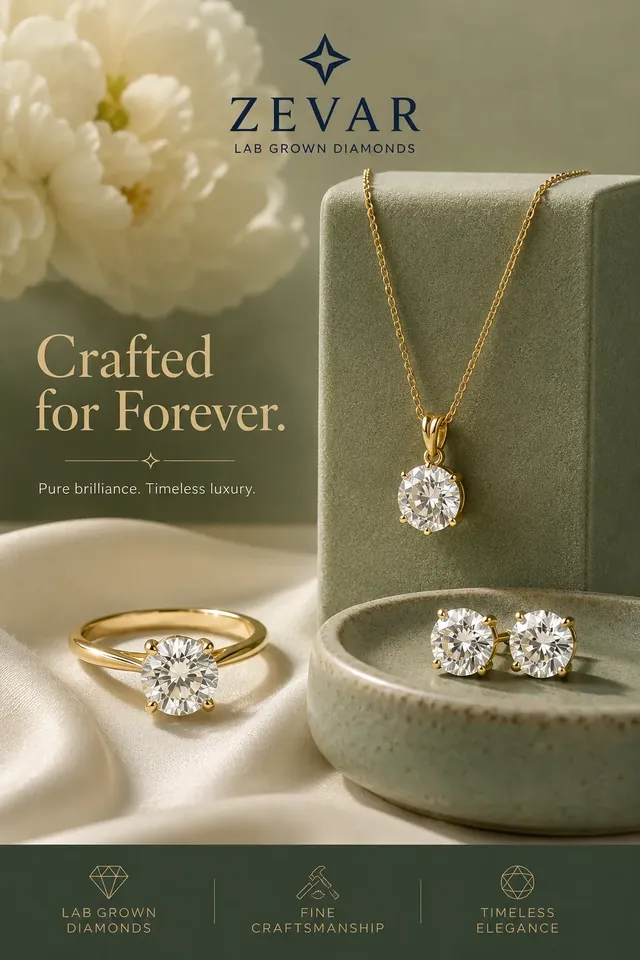
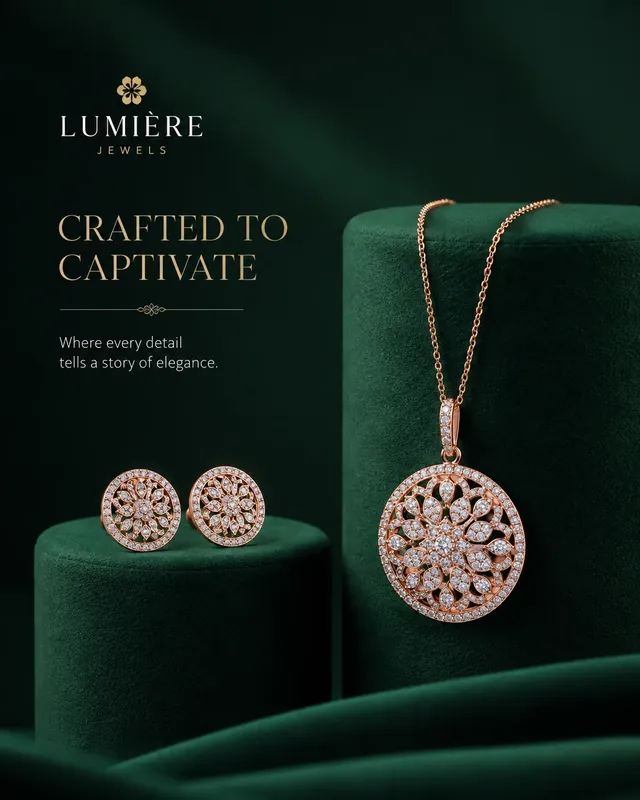
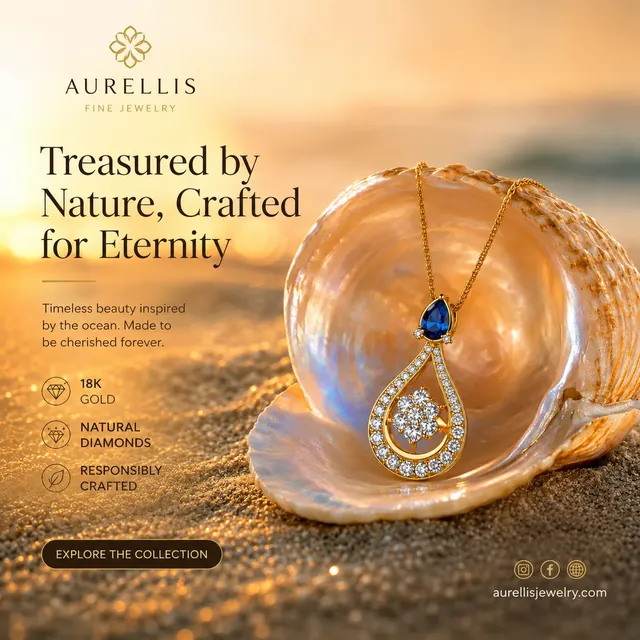
Pick the canvas once and the shoot is composed for it, not awkwardly cropped afterwards.
Feed posts, marketplaces
Instagram portrait, ads
Reels, Stories, Shorts
Website banners, catalogue
Every style is wrapped with fidelity rules so the stones, settings and metal stay true to the piece you photographed.
Square for the grid, 4:5 portrait, 9:16 for Reels and Stories, 3:2 for web and catalogue.
Add your logo, a title and a subtitle for ready-to-post campaign creatives.
Generate several takes of the same piece at once and keep the one that sells it.
English, Spanish, Portuguese, Japanese, Arabic (RTL), German, French, Italian, Dutch, Turkish.
Only photos you choose are uploaded. Delete your data from inside the app whenever you like.
Jewellery Photoshoot is an iOS and Android app that turns one phone photo of a ring, necklace, earrings or other jewellery into studio, on-model and campaign-style images in about 20 seconds, without a photographer or studio.
You take or upload a photo of your piece, choose a style and an image format (1:1, 4:5, 9:16 or 3:2), and the app generates finished images. Your design is used as a fixed reference so the stones, setting and metal are preserved.
The yearly plan is $59.99 per year (about $1.15 a week) and the monthly plan is $14.99 per month, in USD. App stores show local prices. There is no free trial, but you get one free shoot, a watermarked preview, to try it.
One credit equals one generated image. Monthly gives 40 credits per billing month and yearly gives 30 credits per month (360 a year). Unused plan credits do not roll over.
Yes. Top-up packs of 10 credits ($4.99) and 25 credits ($9.99) are available in the app and expire 30 days after purchase.
There is no trial period on any plan. You get one free shoot, with a watermarked preview, to see your own piece transformed before choosing a plan.
The pipeline treats your photo as a locked reference and is designed to keep your piece unchanged. You should still compare stones, settings and chains with the real piece and regenerate if anything differs.
Yes. Images generated from your own jewellery can be used on your website, marketplaces, ads and social media. Only upload pieces you have the right to photograph and promote, and follow each platform's image policies.
Yes. You can delete your device record and shoots from Settings in the app. See the Privacy Policy for details.
Free guides, tools and comparisons from the team behind the app.
Everything you need to photograph jewellery that sells: lighting, backgrounds, phone settings, sizes for every platform, and when AI studio shots beat a shoot.
Read more → AIA plain-English guide to AI jewellery photography: how it works, how to keep your exact design, what to check, and where a photographer is still better.
Read more → Social25 post, Reel and Story ideas for jewellery brands, with the image format and style to use for each, plus a simple weekly posting plan.
Read more → MarketplacesThe right image sizes and aspect ratios for jewellery photos on Instagram, Reels, Shopify, Etsy, Amazon, Pinterest and Google Shopping, in one table.
Read more → BusinessWhat jewellery product photography costs, what drives the price, and how it compares with DIY and AI. Includes a formula and a calculator for your own numbers.
Read more → BusinessA date-by-date plan for jewellery sellers this Q4: Black Friday, White Friday, UAE National Day, Christmas, with the photo and content to prepare for each.
Read more →Download Jewellery Photoshoot and shoot your first piece free.